In today’s digital workspace, handling fragmented PDF documents is a daily headache for students, business professionals, and freelancers alike. Whether you need to compile separate monthly billing receipts, combine academic research chapters, or merge job application certificates into one portfolio, managing multiple individual PDFs creates clutter and slows down productivity.
If you are searching for how to merge multiple pdf files online free, you have likely encountered paywalled software like Adobe Acrobat DC or risky cloud converters that upload your private documents to third-party servers. Fortunately, combining your PDF files into a single, high-quality document does not require buying expensive software or risking data privacy.
In this comprehensive guide, we will walk you through exact step-by-step methods on how to merge multiple pdf files online free across Windows, Mac, Android, and iOS devices with zero quality loss.
What is a PDF File and Why Combine Them?
PDF (Portable Document Format) is a universal document standard defined by the International Organization for Standardization (ISO 32000) and documented on Wikipedia’s PDF Specification to present documents consistently across all computers and smartphones.
Before diving into the step-by-step tutorial, let us look at why learning how to merge multiple pdf files online free is essential for everyday digital file management:
Method 1: How to Merge Multiple PDF Files Online Free Using Toolzeniq
The fastest way to join PDF documents without software installation is using a high-speed browser-based PDF merger. Toolzeniq Merge PDF utilizes client-side WebAssembly technology, meaning your files process locally inside your browser without uploading to external servers.
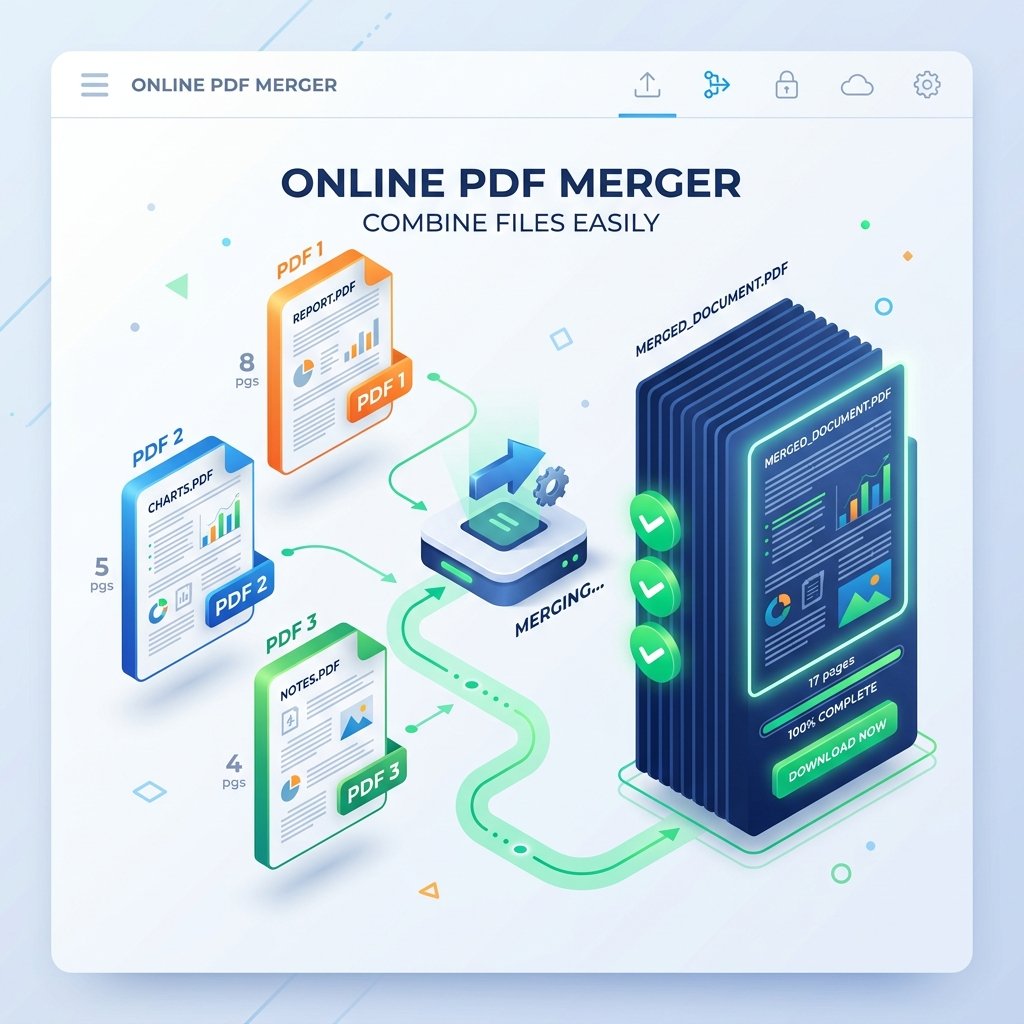
Figure 1: Visual workflow guide of how to merge multiple pdf files online free.
🚀 Combine Your PDFs Right Now (100% Free & Private)
Merge unlimited PDF files instantly with visual thumbnail reordering, page rotation, and custom page ranges.
Open Free Merge PDF Tool →Step-by-Step Instructions:
Method 2: How to Merge Multiple PDF Files Online Free on Windows 11 & 10
Windows 10 and Windows 11 do not come with a built-in native PDF merging tool in File Explorer or Microsoft Edge. While Windows allows you to “Print to PDF”, this feature only converts single images or text files into PDFs—it cannot combine existing PDF documents into one.
Instead of downloading heavy desktop executables that take up hard drive space, here is how to merge multiple pdf files online free on Windows:
- Launch Microsoft Edge, Google Chrome, or Firefox on your Windows PC.
- Navigate to toolzeniq.com/merge-pdf.
- Select your PDF documents from File Explorer (use
Ctrl + Clickto select multiple files at once). - Adjust file order and hit Merge PDF Files. Your unified file downloads directly into your Windows Downloads folder.
Method 3: How to Merge Multiple PDF Files Online Free on Mac
Mac users have two primary options when figuring out how to merge multiple pdf files online free or offline:
Option A: Web Browser Method (Toolzeniq)
Opening Safari or Chrome and using Toolzeniq Merge PDF allows you to drag-and-drop files seamlessly, enter custom page ranges, and insert blank pages for duplex printing.
Option B: Offline macOS Preview App
Open your primary PDF in Preview, click View > Thumbnails, drag second PDF from Finder into the thumbnail sidebar, and click File > Export as PDF.
Client-Side Processing vs Server Uploads: Why Security Matters
When searching for how to merge multiple pdf files online free, data privacy should be your top priority. Most traditional PDF converter websites upload your documents to remote cloud servers for processing. If you are handling confidential tax forms, bank statements, legal contracts, or medical records, cloud uploads pose serious privacy risks.
| Feature | Toolzeniq Client-Side Merger | Traditional Cloud Converters |
|---|---|---|
| File Upload to Server | ❌ ZERO Uploads (100% In-Browser) | ⚠️ Uploaded to Cloud Server |
| Processing Speed | ⚡ Instant (Millisecond Browser Engine) | 🐢 Slow (Upload & Download Delays) |
| Document Security | 🔒 100% Private (Never leaves your device) | ⚠️ Server storage retention risk |
| Daily File Limits | ✅ Unlimited Free Usage | ❌ 2 Files/Day Limit (Paywall) |
Frequently Asked Questions (FAQs)
Conclusion
Learning how to merge multiple pdf files online free is an essential skill for managing digital workflow cleanly. Instead of paying expensive software subscriptions or risking document privacy on unsecure cloud uploaders, browser-based client-side tools offer the ultimate balance of speed, convenience, and absolute security.
Ready to combine your PDF documents in seconds? Head over to Toolzeniq Free Merge PDF Online Tool and experience instant, 100% private PDF joining today!