How to Compress PDF to Below 200KB Online Free Without Losing Quality
Complete guide to shrinking PDF file sizes under 200KB, 100KB, and 500KB, plus JPEG to PDF 200KB image compression.
Have you ever tried submitting an online job application, uploading a passport scan to a government portal, or submitting university admission forms only to receive an error message: "File size exceeds 200KB limit"? High-resolution mobile phone photos, scanned contracts, and multi-page PDF documents frequently exceed 2MB to 10MB in size, making them ineligible for strict online portal upload systems.
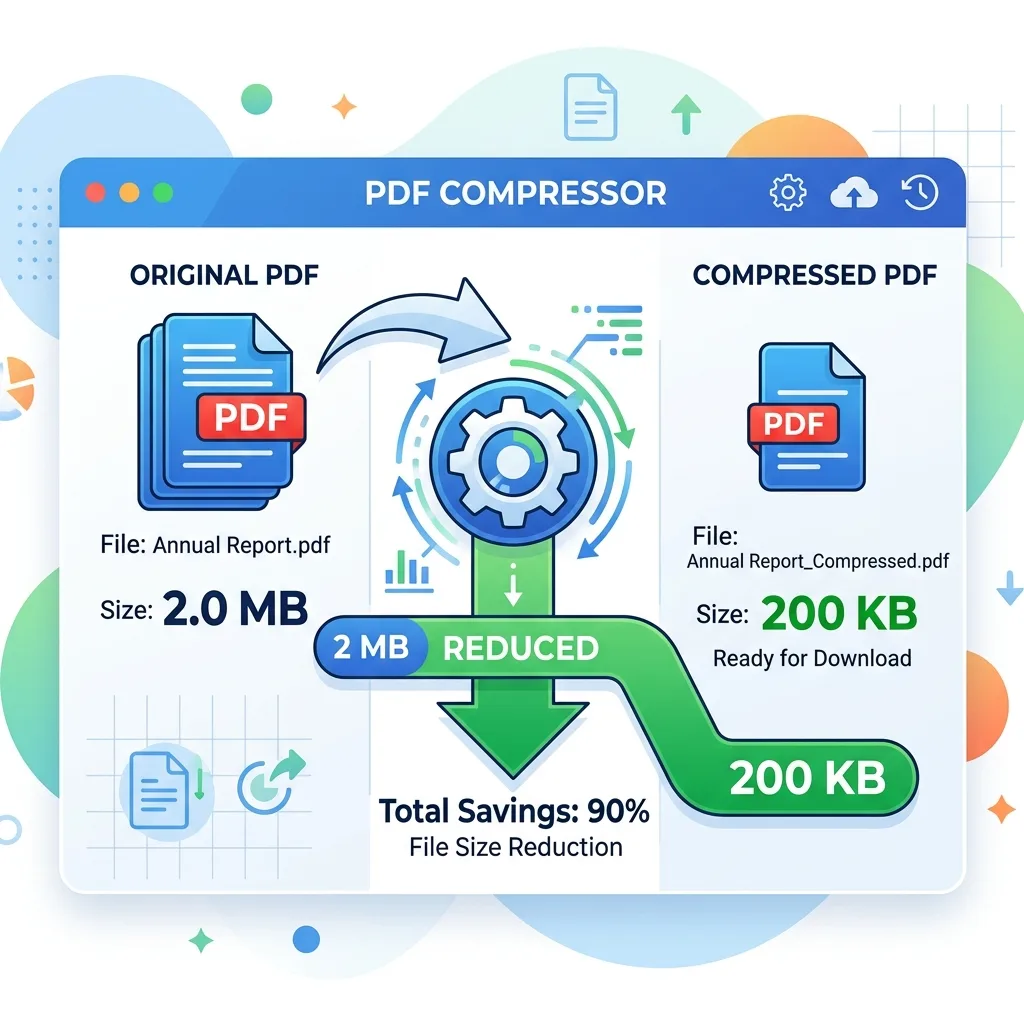
Toolzeniq compress pdf to below 200kb tool provides a fast, reliable, and 100% free online PDF size reducer designed specifically to shrink heavy PDF documents down to exact target sizes like 200KB, 100KB, 500KB, or 1MB without blurring vector text or destroying document readability.
1. Why Government & Job Portals Enforce 200KB PDF Limits
Online portals handling millions of user applications—such as SSC, UPSC, state employment portals, visa registration systems, and university admissions—enforce strict 200KB or 100KB upload limits to ensure database efficiency, minimize server bandwidth costs, and speed up portal processing times.
When you compress pdf to 200kb online free using our smart browser-based compression algorithm, the tool intelligently downsamples embedded high-DPI images and optimizes internal PDF stream structures according to ISO 32000 Adobe PDF Specifications while keeping text typography crisp and clear.
By utilizing client-side WebAssembly rendering and FlateDecode stream compression, our tool parses embedded fonts, strips redundant structural metadata (such as unused thumbnail maps and unreferenced XObject trees), and re-encodes raster images down to optimal 150 DPI target resolution without introducing visible pixelation artifacts.
2. Compress JPEG to PDF 200KB & Compress PDF to 200KB JPG Images
Many users scan physical documents or take photos of Marksheets and ID cards as JPEG images. When converting these photos into PDF, the uncompressed file size often shoots up to 3MB or 5MB. Our specialized algorithm lets you compress jpeg to pdf 200kb seamlessly according to W3C Digital Image Compression Guidelines.
Similarly, if you are handling scanned document pages saved as JPEG streams inside a PDF, Toolzeniq handles compress pdf to 200kb jpg optimization by compressing the internal JPEG stream matrices while ensuring that signature lines, roll numbers, and official stamps remain sharp and legible across all desktop and mobile PDF viewers.
For government portal submissions (such as SSC CGL, UPSC Civil Services, State Public Service Commissions, Passport Seva Kendras, and NEET/JEE candidate forms), preserving the exact clarity of photo signatures and stamp seals is mandatory. Our dual-pass compression pipeline balances quantization tables so that text remains 100% vector-sharp while shrinking overall PDF size below 200KB or 100KB.
3. Key Preset Options: 100KB, 200KB, 500KB, and 1MB
Compress PDF to 100KB
Ideal for small single-page ID scans, signature attachments, and strict government photo ID portals.
Compress PDF to 200KB
The universal standard for resume uploads, educational certificates, and online application forms.
Compress PDF to 500KB
Perfect for multi-page contracts, legal documents, and detailed financial reports.
Compress PDF 10MB to 1MB
Shrinks heavy scanned PDF presentations and eBooks for easy email attachment delivery.
4. Step-by-Step Instructions: How to Reduce PDF Size to Below 200KB
Step 1: Select Target Size (200KB)
Click the Target: 200 KB preset button above or select custom quality settings.
Step 2: Choose PDF File
Drag and drop your PDF file into the dropzone or click Choose PDF File. The tool will calculate original size immediately.
Step 3: Compress & Download
Click Compress PDF to 200KB Now. Download your optimized reduced PDF file ready for portal upload.
Frequently Asked Questions (Compress PDF 200KB FAQ)
How to compress PDF to below 200KB online free?
Simply upload your PDF file into Toolzeniq, select the '200 KB' preset, and click 'Compress PDF to 200KB Now'. Download your compressed PDF file instantly.
Can I compress JPEG to PDF 200KB or compress PDF to 200KB JPG images?
Yes! Toolzeniq optimizes embedded JPEG images inside PDF documents. When compressing scanned PDF forms or image-heavy PDFs, our tool resizes embedded JPG streams so the resulting PDF remains under 200KB while preserving image clarity.
Is Toolzeniq Compress PDF 200KB safe to use for private documents?
Yes! Toolzeniq processes files 100% locally inside your web browser. Your private certificates, passport scans, and contracts are never uploaded to any remote server.