Accept Direct UPI Payments Instantaneously Without Gateway Fees
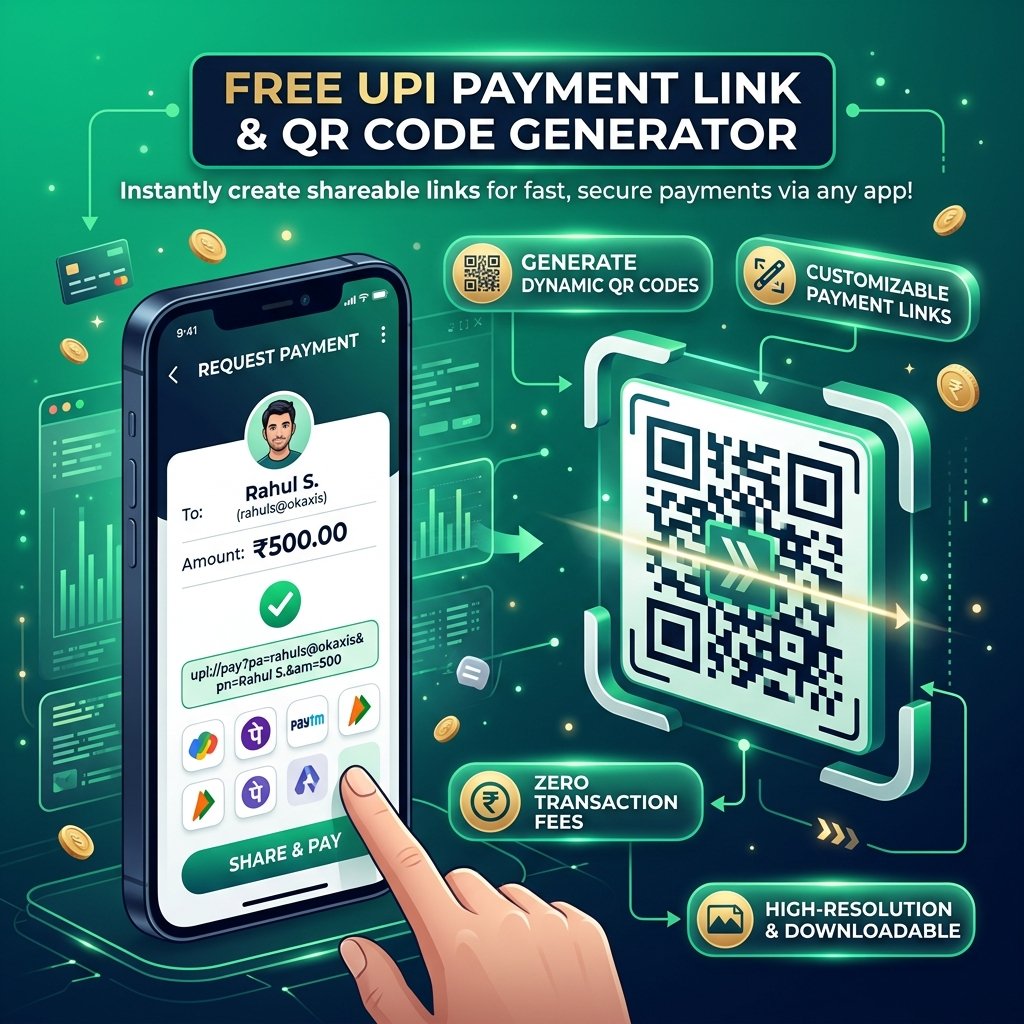
Toolzeniq's UPI Payment Link Generator is a free web utility designed for freelancers, small business owners, service providers, and vendors across India. Instead of forcing customers to manually copy your Virtual Payment Address (VPA) and enter billing details, this tool instantly builds clickable upi://pay payment links and high-resolution dynamic QR codes with pre-filled payment amounts.
How to Generate a Custom UPI Payment Link & QR Code
-
Enter Payee Information: Type your active UPI ID (e.g.,
store@okicicior9876543210@paytm) and your business or individual name. - Set Optional Amount & Reference Note: Add the exact invoice amount in Indian Rupees (₹) and an optional description like order numbers or service fees.
- Customize & Share: Choose a QR code color theme and click generate. You can instantly copy the direct payment link, send a formatted payment request on WhatsApp, or print a counter standee poster.
Why & When to Use Instant UPI Links
For e-commerce sellers, freelancers, and store owners, checkout friction leads to abandoned transactions. Manually sharing a UPI ID requires buyers to switch apps, paste strings, and type amounts, which increases the likelihood of typos and payment errors. Passing payment information through an RFC-compliant URI scheme launches the customer's preferred UPI app (Google Pay, PhonePe, Paytm, or BHIM) with all transaction details pre-filled.
This tool is ideal for sending WhatsApp invoice reminders, embedding direct buy buttons on landing pages, collecting donations, or creating printable storefront QR codes for instant counter payments without paying merchant gateway commissions.
Practical Tips & Best Practices
- Double-Check Your VPA: Verify your UPI ID before sharing. Sending money to a mistyped VPA cannot be reversed automatically.
- Keep Transaction Notes Concise: Restrict notes to plain alphanumeric characters (e.g., "Order 402") to avoid special character decoding issues in banking apps.
- Test Mobile Deep Links: Test your generated payment link on a mobile device to confirm it launches your intended UPI application cleanly.
- Use High-Contrast QR Themes: Maintain high contrast between foreground and background colors to ensure fast scanning with low-end smartphone cameras.