The Complete Guide to Rotating PDF Pages Permanently Online Worldwide
100% Client-Side WebAssembly & HTML5 Canvas Technology • Zero Server Uploads • Multi-Device Compatibility.
In today’s digitized global workflow, Portable Document Format (PDF) files serve as the universal standard for business contracts, legal documentation, academic research papers, medical records, and financial statements across the United States, Europe, Asia, and worldwide. However, scanning physical documents or taking mobile photos frequently results in pages orientated incorrectly—upside down, sideways (landscape instead of portrait), or inverted.
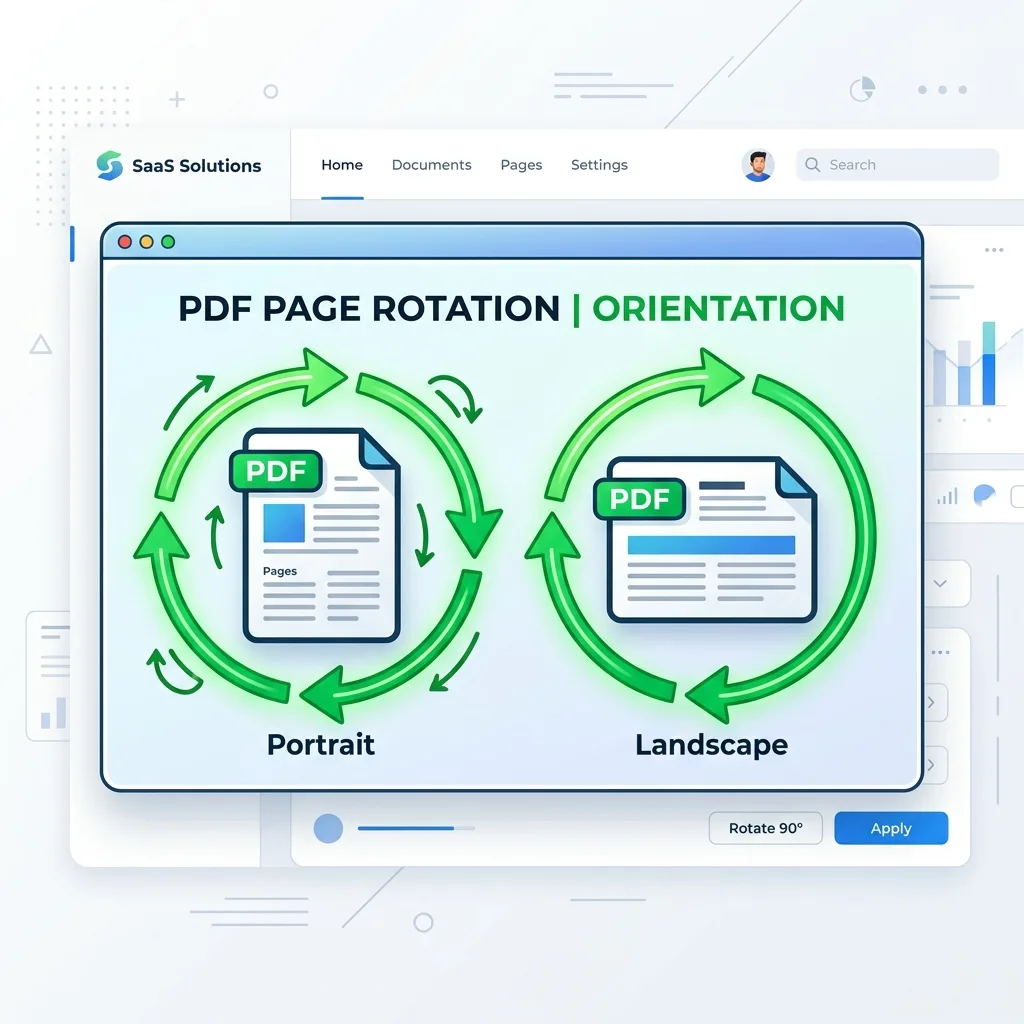
Reading upside-down pages or sending misaligned legal documents creates friction for clients, employers, and print operators. Toolzeniq Rotate PDF Online provides a world-class, browser-based solution that allows users anywhere in the world to rotate individual PDF pages or entire documents by 90°, 180°, or 270° degrees clockwise or counterclockwise with permanent metadata saving.
1. Why Temporary Viewing Rotation is Not Enough (Permanent Matrix Saving)
Many users attempt to solve sideways PDF pages using desktop PDF readers (such as web browsers or basic PDF viewers) by clicking a temporary "View > Rotate View" button. While this rotates the display during your active viewing session, it does not alter the file's underlying structural matrix. As soon as you email the document or open it on another device, it opens sideways again.
Toolzeniq PDF Rotator modifies the actual PDF `/Rotate` dictionary key inside the PDF document root hierarchy according to official Adobe PDF Reference Standards. When you click Save & Download Rotated PDF, the orientation changes are permanently saved across Adobe Acrobat, Google Chrome, Apple Preview, Microsoft Edge, mobile PDF apps, and hardware printers worldwide.
2. Key Advantages of Toolzeniq Global PDF Rotator
🔒 100% Client-Side Privacy (GDPR Compliant)
Unlike server-side converters (such as iLovePDF or Smallpdf), Toolzeniq processes your files completely inside your web browser. Sensitive legal, financial, or personal documents never travel over the internet to remote servers.
👁️ Per-Page Interactive Thumbnail Previews
View real-time high-resolution visual previews of every single page. Rotate specific upside-down pages independently without affecting correctly formatted pages in multi-page documents.
⚡ Zero Quality Loss & Lossless Vector Processing
Preserves original vector text layers, embedded fonts, image resolutions, bookmarks, and hyperlinked fields without unwanted rasterization or re-compression.
3. Step-by-Step Guide: How to Rotate PDF Pages Online
Step 1: Upload Your PDF Document
Drag and drop your PDF file into the green upload area or click Choose PDF File. Files up to 200MB are supported instant-loading.
Step 2: Adjust Page Orientation
Use global top action buttons (Rotate All Right 90° or Rotate All Left -90°) to rotate all pages simultaneously. Or hover over specific page thumbnail cards to adjust individual pages.
Step 3: Download Permanently Rotated PDF
Click Save & Download Rotated PDF. Your browser instantly downloads the newly formatted PDF file directly to your device storage.
4. Frequently Asked Questions (Global International FAQ)
How to permanently rotate a PDF document online?
Upload your PDF file, rotate the pages to your desired orientation (90°, 180°, or 270°), and click 'Save & Download Rotated PDF'. The new orientation is saved directly into the PDF metadata matrix permanently.
Is Toolzeniq Rotate PDF free without restrictions like iLovePDF or Smallpdf?
Yes! Toolzeniq provides 100% unlimited free PDF page rotations without daily file limits, watermarks, file size caps, or mandatory account registration.
Does Toolzeniq Rotate PDF work on mobile devices (iOS & Android)?
Yes! Toolzeniq Rotate PDF is 100% touch-optimized and works across all modern browsers including Safari on iPhone/iPad, Chrome on Android, Windows, macOS, and Linux.
Is client-side browser processing GDPR compliant?
Yes! Because no PDF file data or document content ever leaves your local browser or reaches remote servers, Toolzeniq fully complies with strict European Union GDPR and US privacy regulations.